Post Event Survey for Live Webinars
Post Event Surveys are set to be triggered after a Live Webinar. The survey can be shared in the post event survey section in Zoom OR as a post event survey link in post event emails.
- In most cases you should use the default Net Promoter Score Survey (NPS) after the event has passed, as it already includes rating questions that fit most events. You can add the respective tracking code to the NPS survey and promote the URL to be included on your assets.
A quick look at some other Eloqua Survey Usecases:
- Customer Information Form (CIF) - LPD request (profile fields, Contact fields + Additional Questions).
- Pre Event Registration Form
• Select Master Survey Template
• Flow: LPD welcome page + Survey Page + Thank you Page
Here you will learn:
- Post Event Survey - Form Creation, Survey Page Creation
Use case: When you need a more personalized post event survey with other questions in addition to the NPS survey. Note that, as a best practice, all survey questions need to be event-related.
 People
1 |
 Prep time
30 mins |
 Time
10 mins |
 Difficulty
Medium |
Post Event Survey for Live Webinars - FLOW
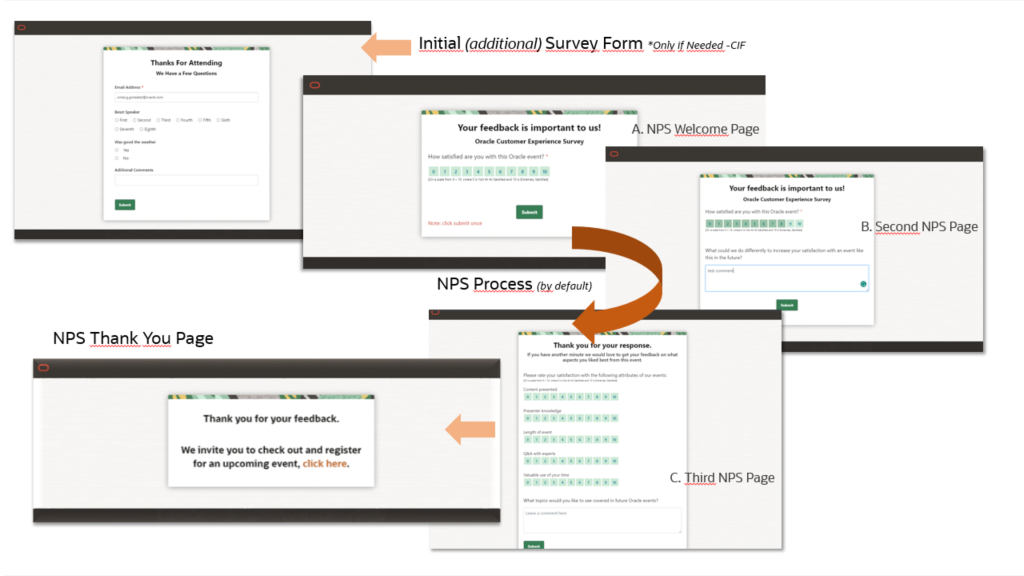
A default template has been set up to accommodate Post Event Survey for Live Webinars. This template can be used as is or modified as per requirement.
Flow: Additional Survey Page → Net Promote Score(NPS) Survey page → Thank you page.
STEP 1 - Form Creation
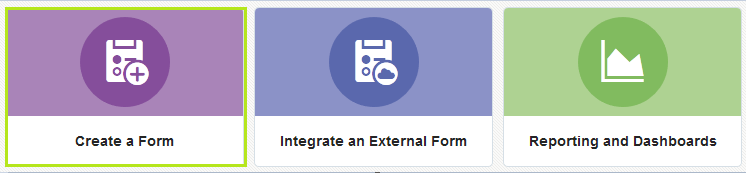
- Go to Forms → Create a Form → All Files
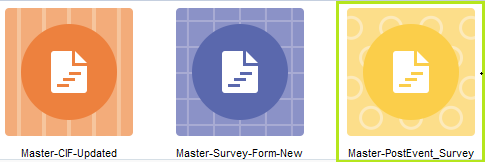
- Select Master-PostEvent_Survey
- Email Address is set as a mandatory field by default, but can be modified as required by unchecking "This Feild is Required" under Field Validation
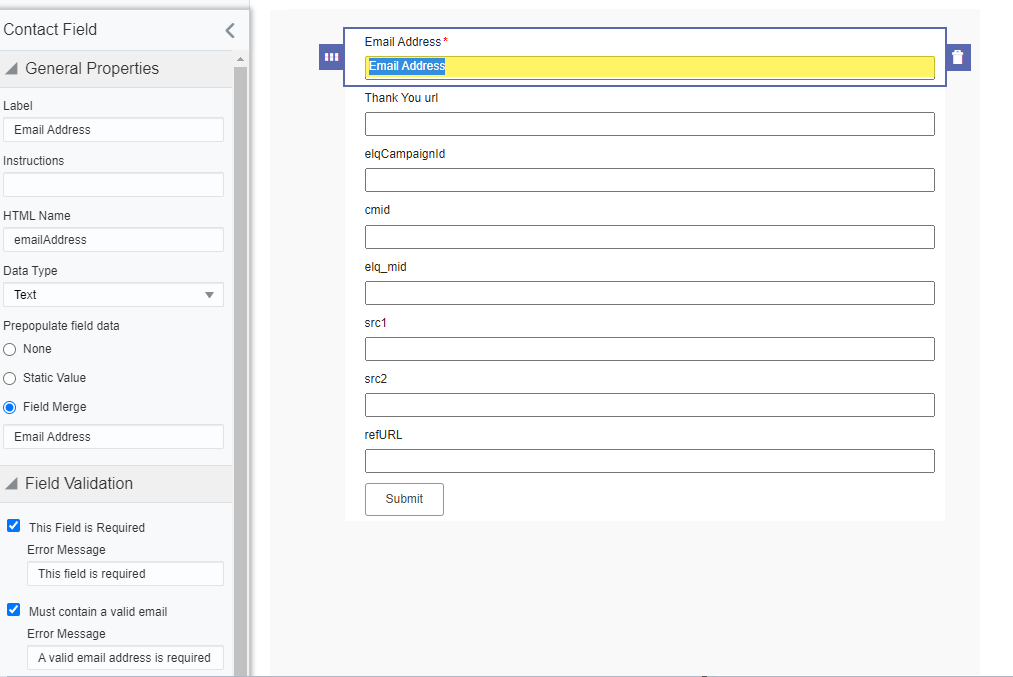
- Save the form in your regional local folder for the current Fiscal Year (I.E FY24_NA)
We suggest you follow this naming convention for your form assets: Program Code (or request number)-NPS-Survey-Form - Go to Actions → View Form HTML → Copy the HTML code
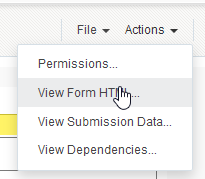
STEP 2 - SURVEY PAGE Creation
- Go to Landing Pages → Create a Landing Page → Master - CIF, Survey, Zoom Multi Select
→ Master-PostSurveyPage(NPS)
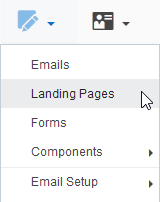
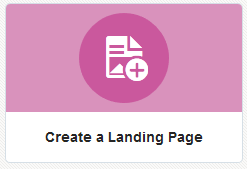

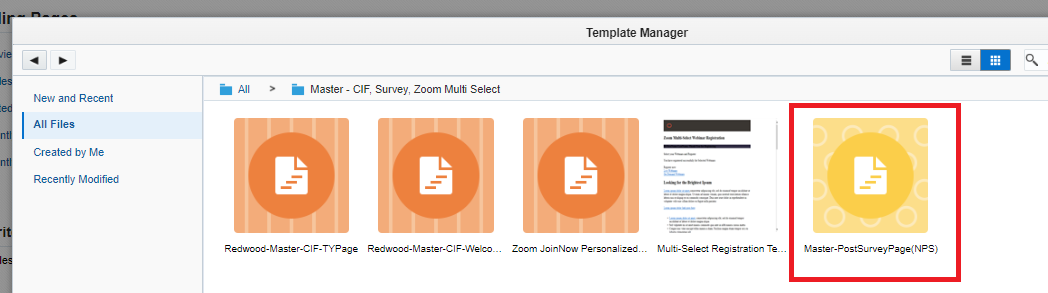
- Update the following:
a) Paste the source code (copied from the Form) within comments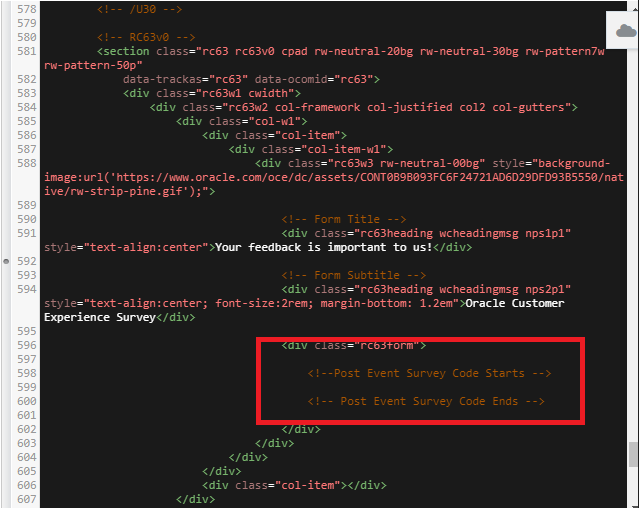
* In case you need it, there is new feature that allows your Radio Button questions to be diplayed horizontally, as this come from the Form source code in a vertical alignment, so all you need is to include the class hDisplay in the code as per the following image: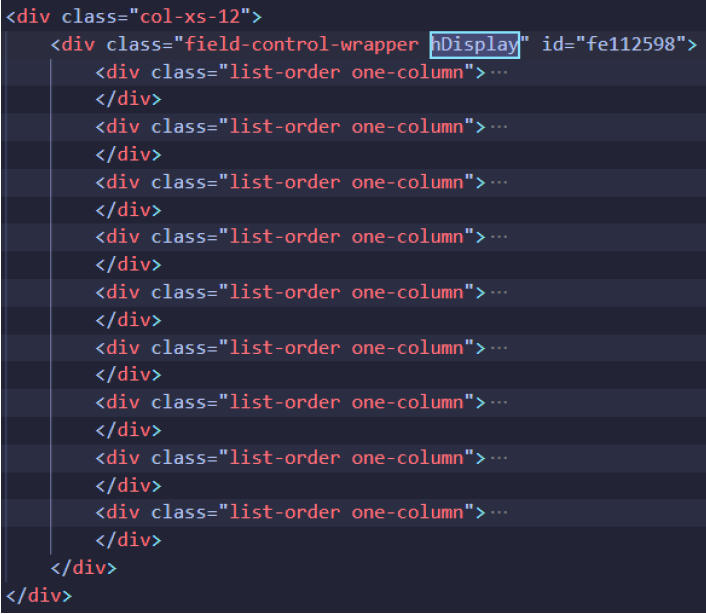
So you can get something like this.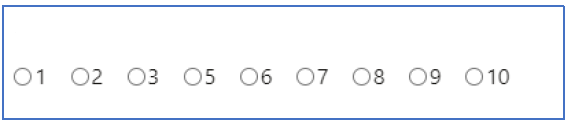
b) var cmid ="PGMCODE" - Update PGMCODE with program code of your request
c) var WSlink - update the final NPS link here. All translated NPS links can be found here. Make sure you create tracking URL for the version you are required to use, and include the link with all the necessary parameters in the code.

- Save the page in your regional local folder for the current Fiscal Year (I.E FY24_NA)
We suggest you follow this naming convention for your LP assets: Program Code (or request number)-NPS-Survey-wp - Create the tracking URL code for your final survey link.
- Promote the URL:
a) Provide to the marketer to share in the Post event Survey section in Zoom.
b) Add the post event survey link in the post event emails (based on requirement).
Related Topics
Nailed it?
If yes, click below to confirm completion of this topic.
Yes, I have understood this topic well
