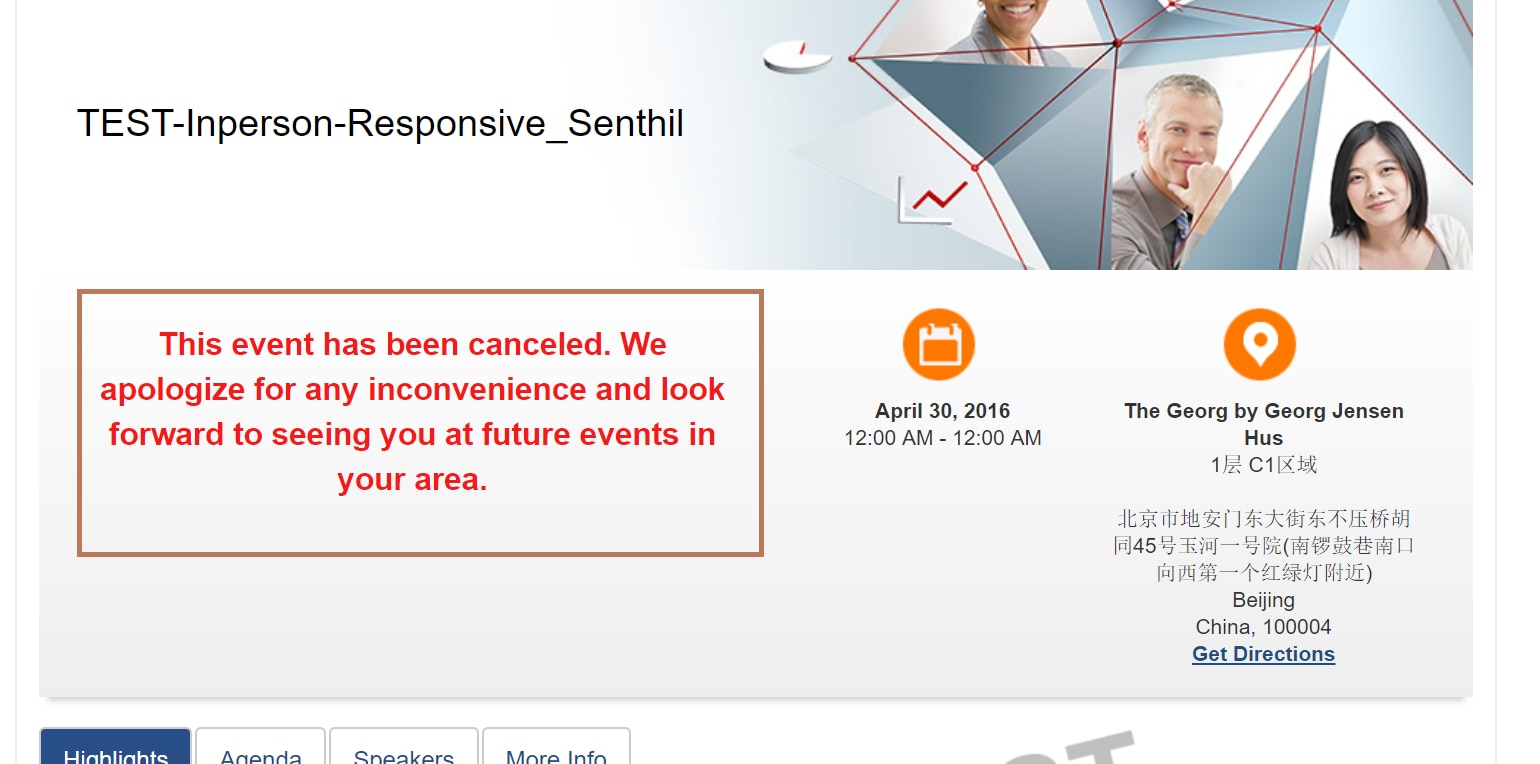
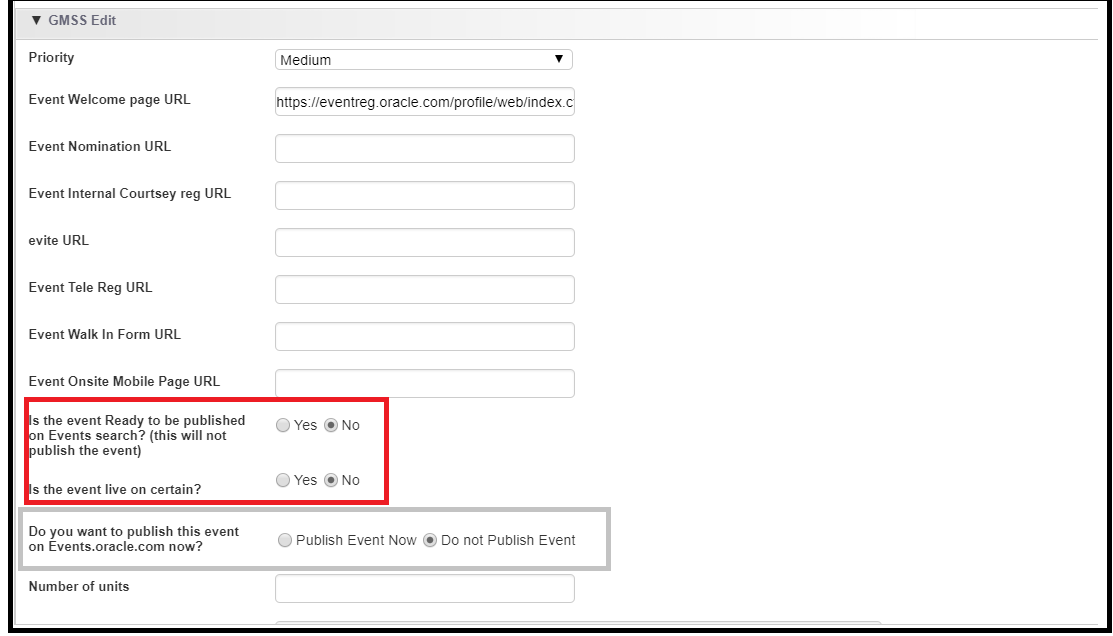
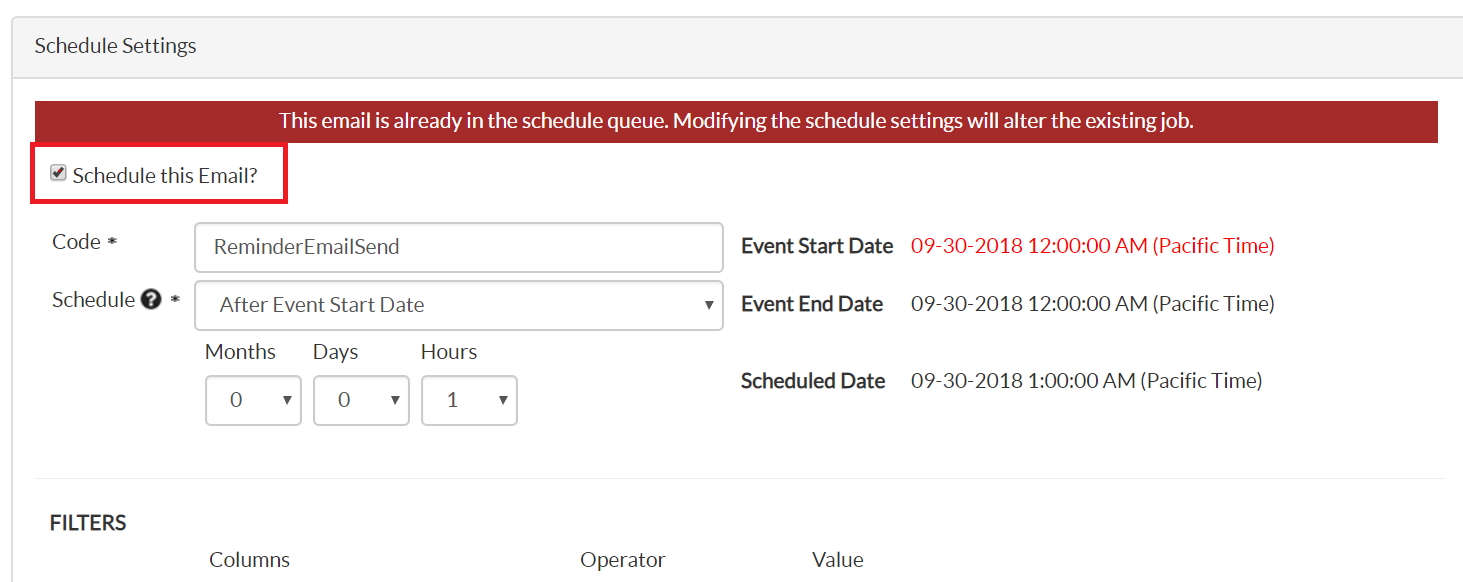
In this section, we will learn how to update the welcome page with cancel / postpone note.
- Navigate Promote module, click Websites --> Web2.
- Edit the code in Dreamweaver and select the Registration section and replaced with the cancel/postpone note as shown below.
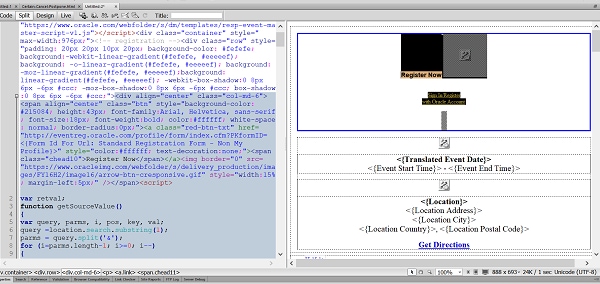
- Update (or requester will provide) the top of the welcome page with the following text: "This event has been canceled. We apologize for any inconvenience and look forward to seeing you at future events in your area." or "This event has been postponed. We apologize for any inconvenience."