DMS Catalog


STEP 1 - Generators

DMS Catalg provides Generator Services For Certain, Emails and Landing Pages

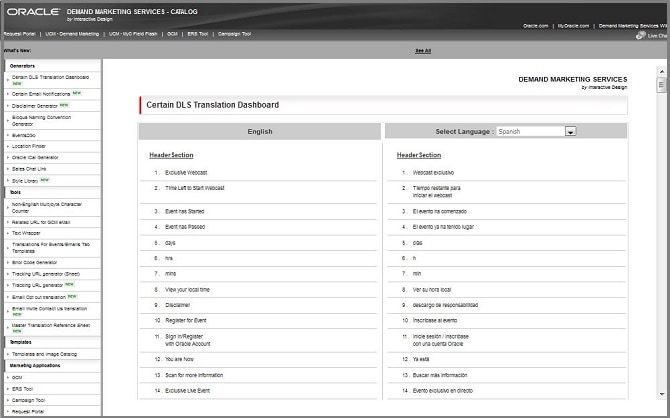
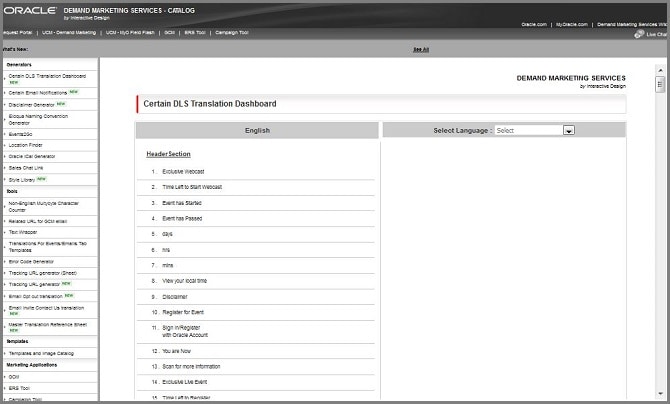
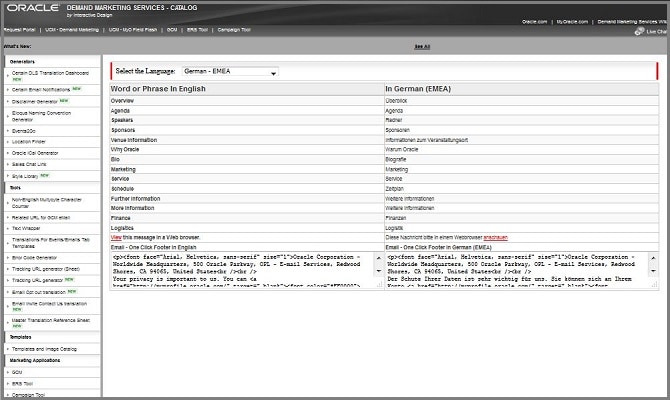
  • A. Certain DLS Translation Dashboard

    Certain DLS Translation Dashboard used to support Dynamic Languages Symposium


    DLS Catalog

  • B. Certain Email Notifications

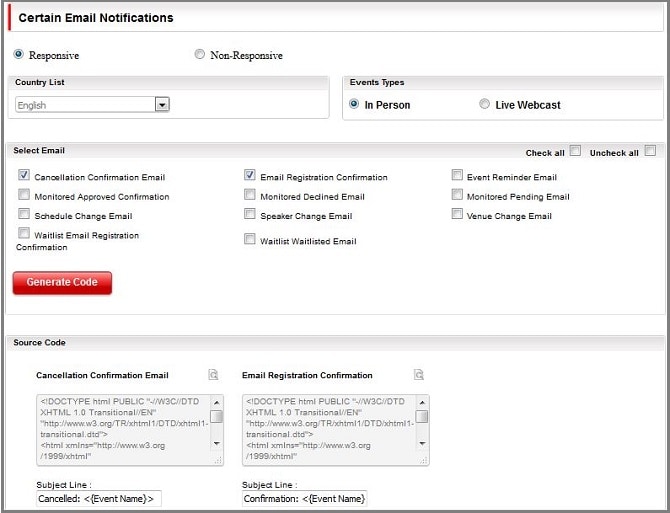
    Certain Email Notifications Generates Different Languages Responsive Email Notifications Source code and subject line
    • Goto DMS Catalog
    • Click on left panel Certain Email Notifications
    • Always Select "Responsive"
    • In "Country List" select respective Language
    • In "Events Types" select respective event type either "In Person" or "Live Webcast"
    • Check on "Uncheck all"
    • Select Emails which needs, click on "Generate Code" and automatically generates source code and subject line


    Email Notifications

  • C. Disclaimer Generator

    Disclaimer Generator Generates Oracle Event Compliance Information for Disclaimer used in Events and Emails
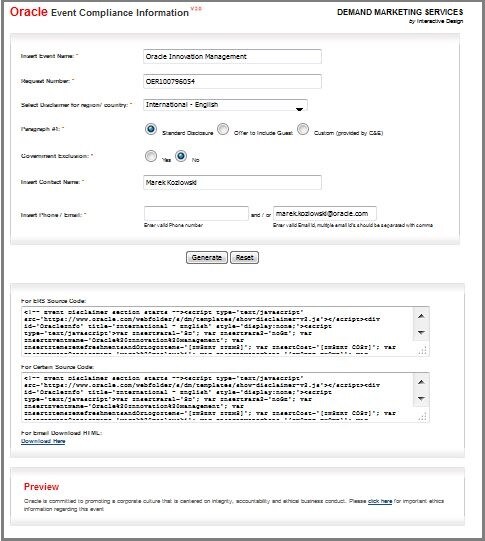
    • Goto DMS Catalog
    • Click on left panel Disclaimer Generator
    • Place all below fields based on Event request(OER) in portal
      • Insert Event Name:
      • Request Number:
      • Select Disclaimer for region/ country:
      • Paragraph #1:
      • Government Exclusion:
      • Insert Contact Name:
      • Insert Event Name
      • Insert Phone / Email:
    • Once filled Click on "Generate" Button, Generates For Certain Source Code and "Download Link" For Email Download HTML
    • Certain Source Code used for Certain Tools EMS page
    • Link used for Emails


    Disclaimer

  • C. Oracle iCal Generator

    Oracle iCal Generator Generates Calendars: Calendar(.ics/.vcs) Google For Certain EMS Events
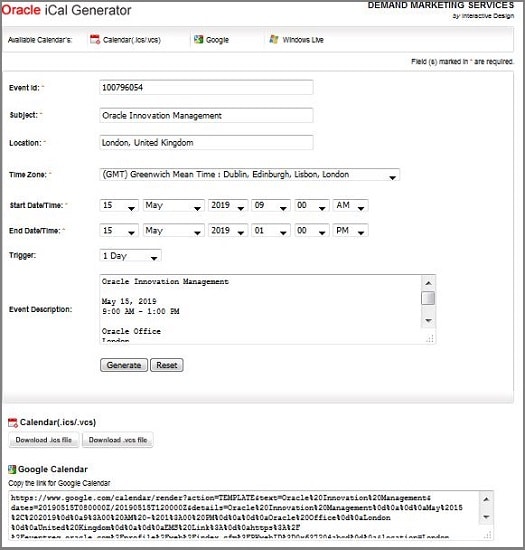
    • Goto DMS Catalog
    • Click on left panel Oracle iCal Generator
    • Place all below fields based on Event request(OER) in portal
      • Event Id: place request number(Ex: 100796054)
      • Subject: Event Name
      • Location: place City, Country
      • Time Zone: Based on Country select Time Zone
      • Start Date/Time:
      • End Date/Time:
      • Trigger: used for Calendar Notification Triggering based on Event Type "In Person" use 1 Day "Webcast" use 1 Hour
      • Event Description: add event related Details like Event name, Date and Time, Venue address and EMS Link
    • Once filled Click on "Generate" Button, Generates Calendar(.ics/.vcs) Download Link(Download.ics file,Download.vcs file) and Google Calendar (Copy the link for Google Calendar)


    iCal

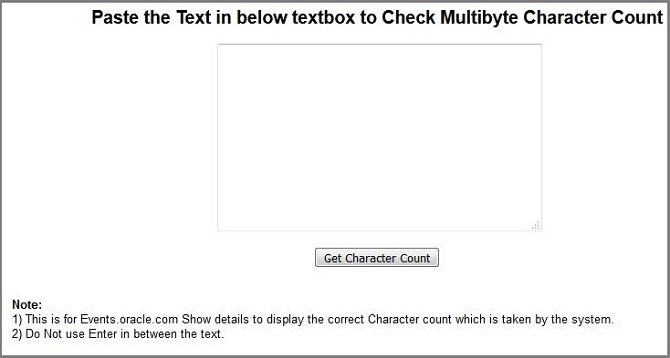
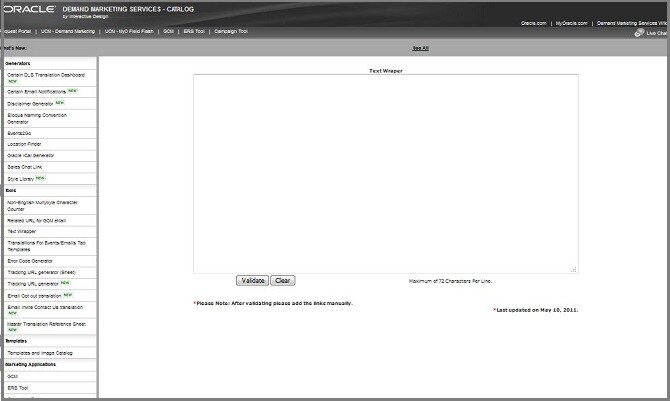
STEP 2 - Tools

DMS Catalg provides Tools Services For Certain, Emails and Landing Pages
STEP 3 - Templates

Provides Demand Generation Template and Images Library
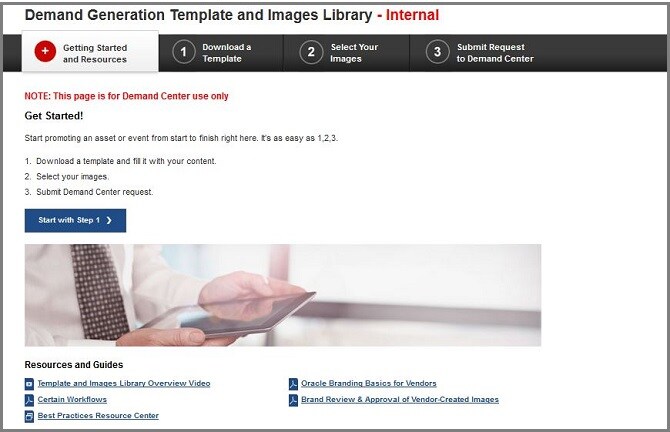

Library

Nailed it?

If yes, click below to confirm completion of this topic.

Yes, I have understood this topic well

Integrated Cloud Applications & Platform Services

We're here to help

Discussion Forum

  • To participate in our discussion forum join the slack channel #mktg-demandcenter or click here